One tap
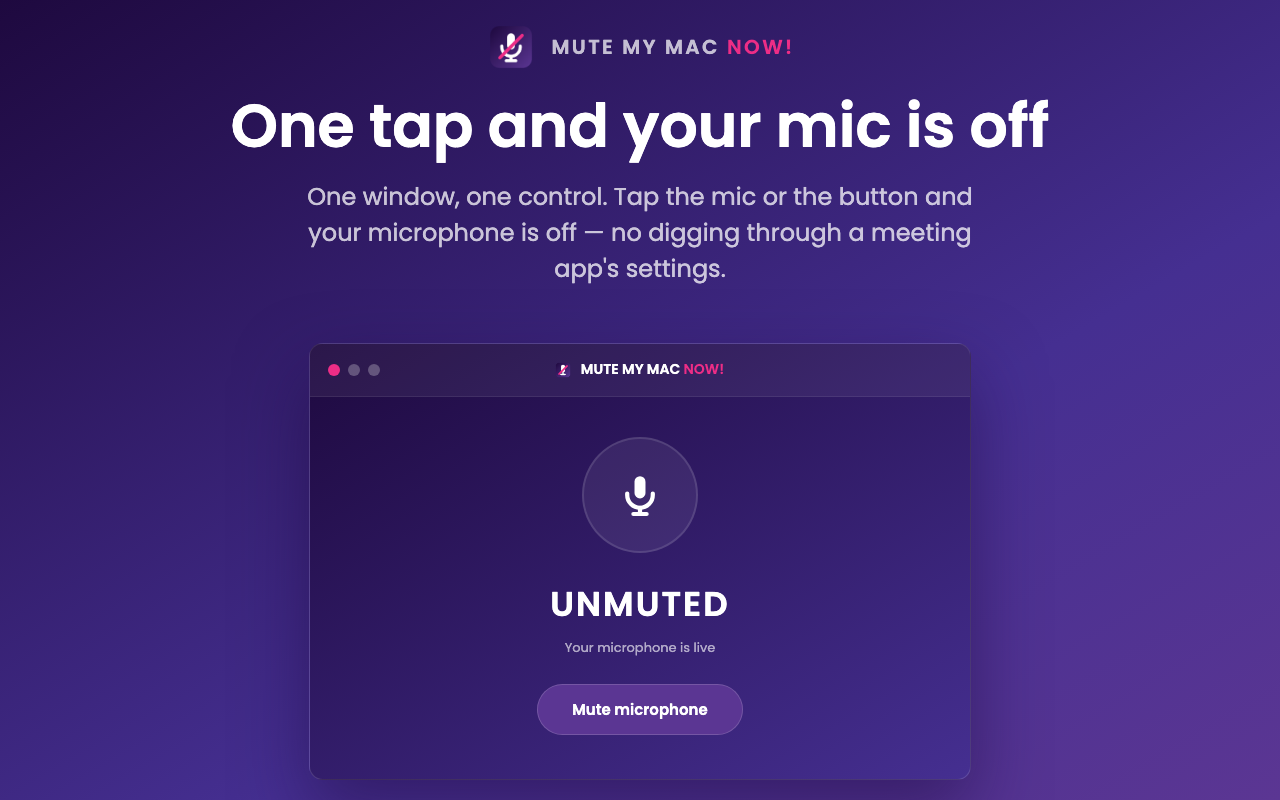
Click the menu-bar mic or open the window and tap the control. Your selected default input device changes state.
 MUTE MY MAC NOW!
A tiny Mac utility for a very useful button
One window, one control. Tap the mic or the button and your microphone is off — no digging through a meeting app's settings.
Native macOS app · macOS 13 or newer · no account required

The whole point
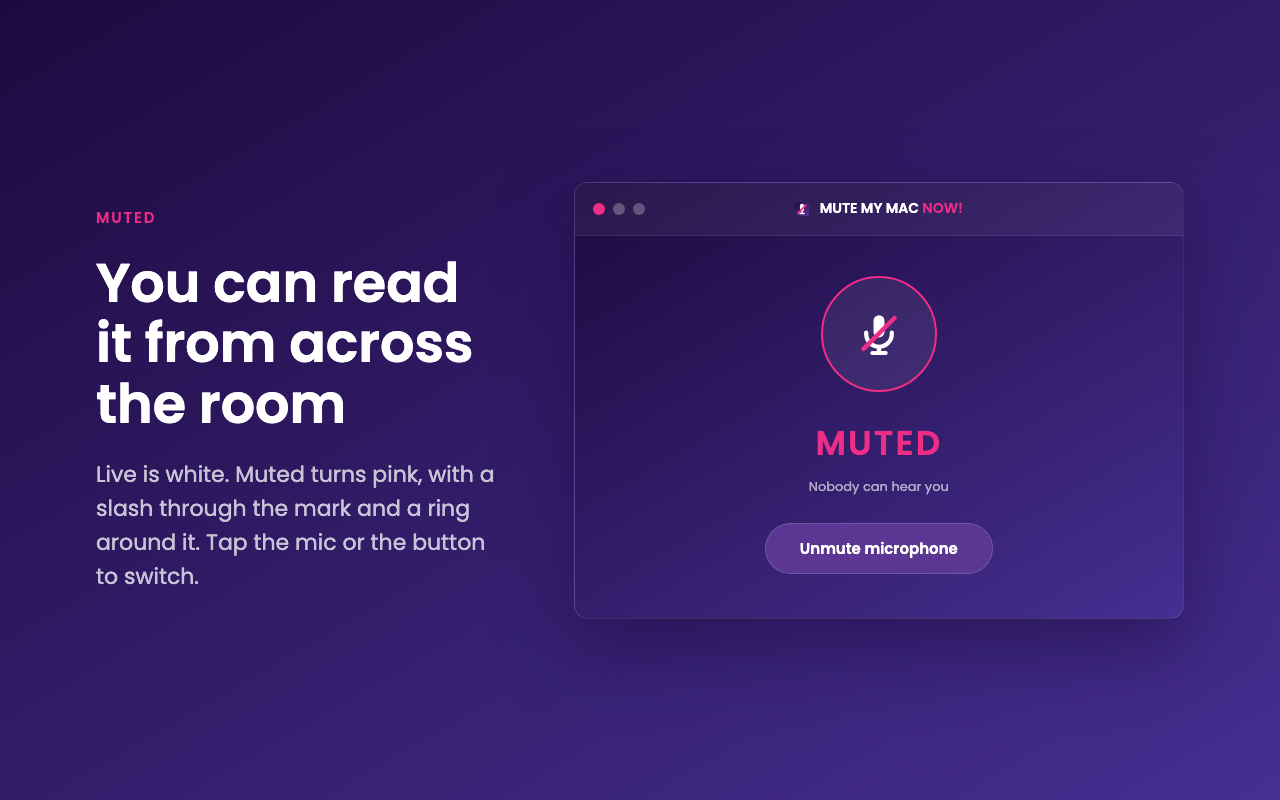
Live is white. Muted turns pink, with a slash through the mark and a ring around it. The menu-bar icon reflects the real device state, including changes made by another app.
Click the menu-bar mic or open the window and tap the control. Your selected default input device changes state.
The label, icon, slash, and pink ring stay in sync, so you know whether you are live without hunting through a call.
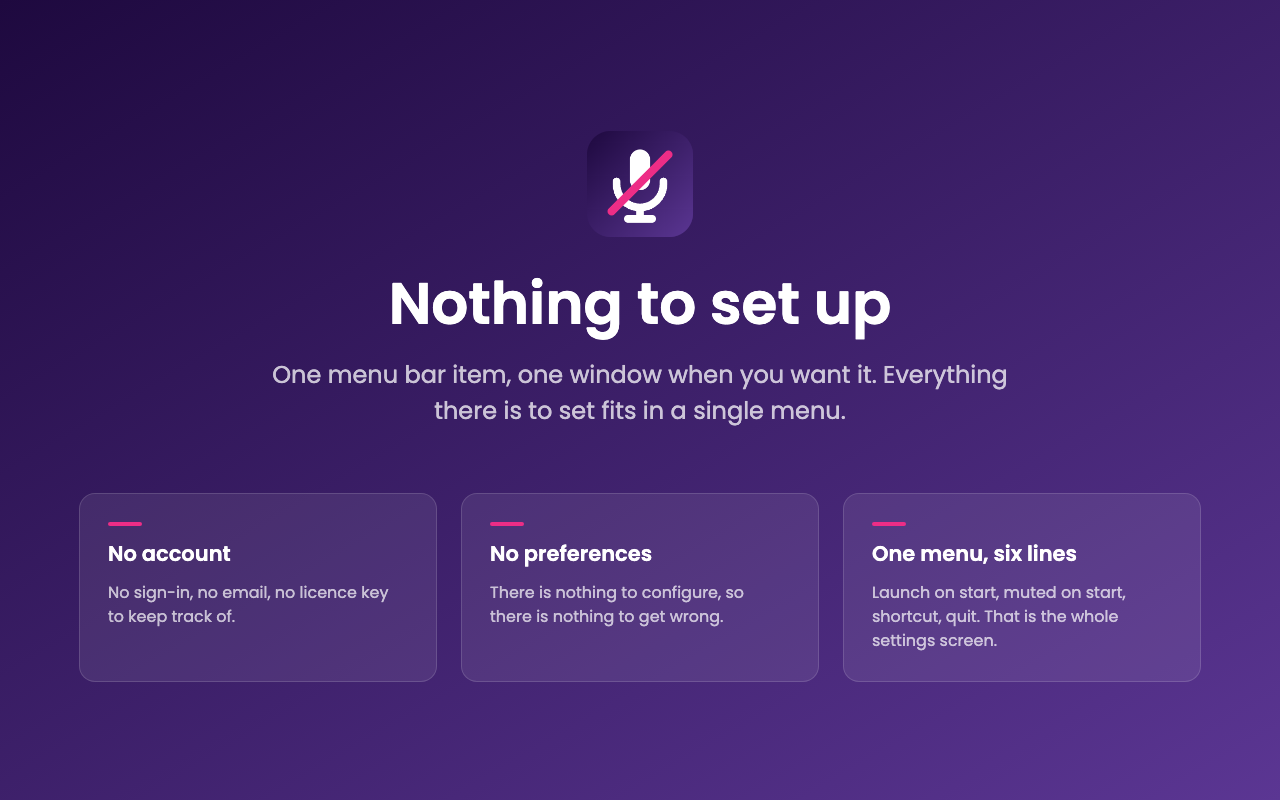
No account, no preferences pane, no subscription, and no licence key to keep track of.
See it in action
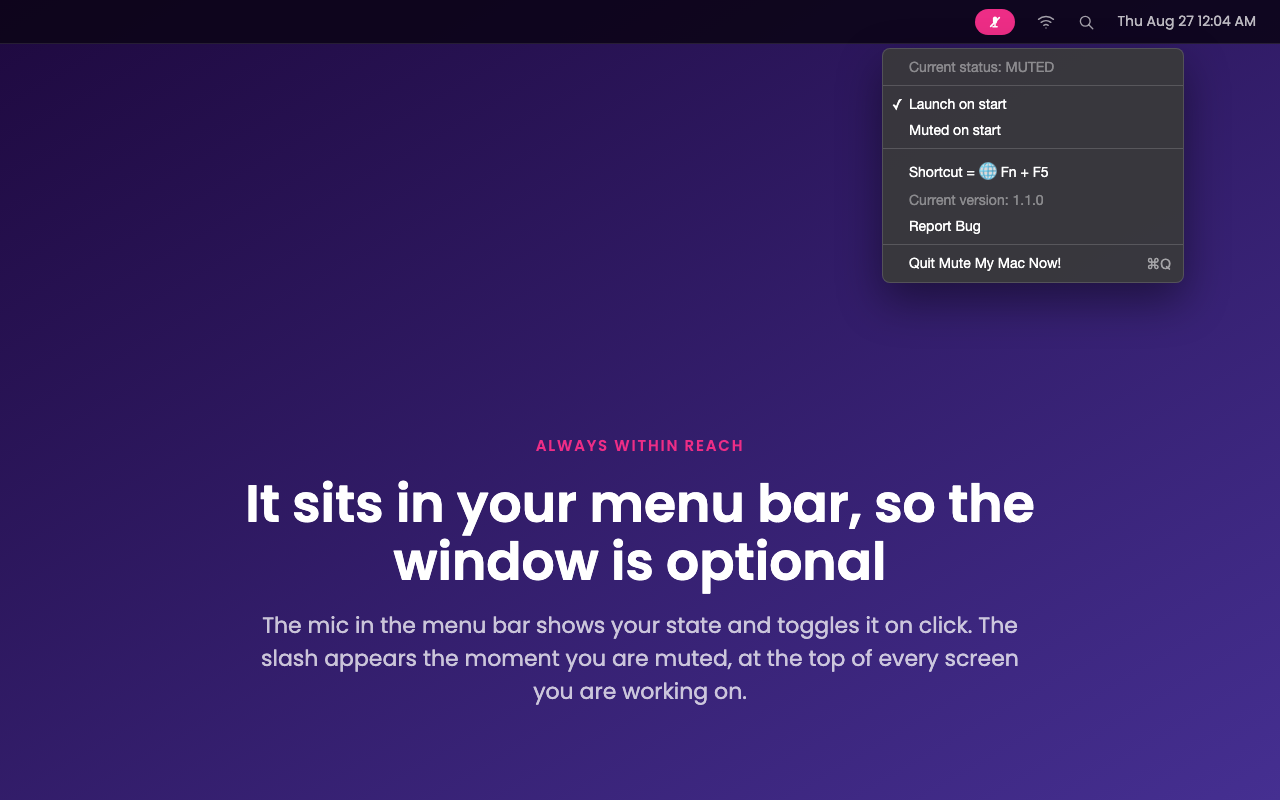
It lives in your menu bar, so the window is optional. The shortcut is 🌐 Fn + F5, and the menu keeps everything simple: launch on start, start muted, report a bug, or quit MUTE MY MAC NOW!.
The short version
MUTE MY MAC NOW! does one thing: it turns your microphone off and on. It does not record, store, or transmit microphone audio. App Store distribution manages updates.
Ask about the Mac appMac App Store release coming soon. The control window may open automatically at launch.